Pixel Art Character Generator
Use the pixel art style to create character designs that actually look like pixel art. Type a prompt, get back a result. No design skills required.
Pixel Art works well for character when you want retro 16-bit nostalgia. renza runs your prompt through Flux, an open-source image model, and returns a single image you can download or refine. You can iterate as many times as you want, and every result is yours to keep.
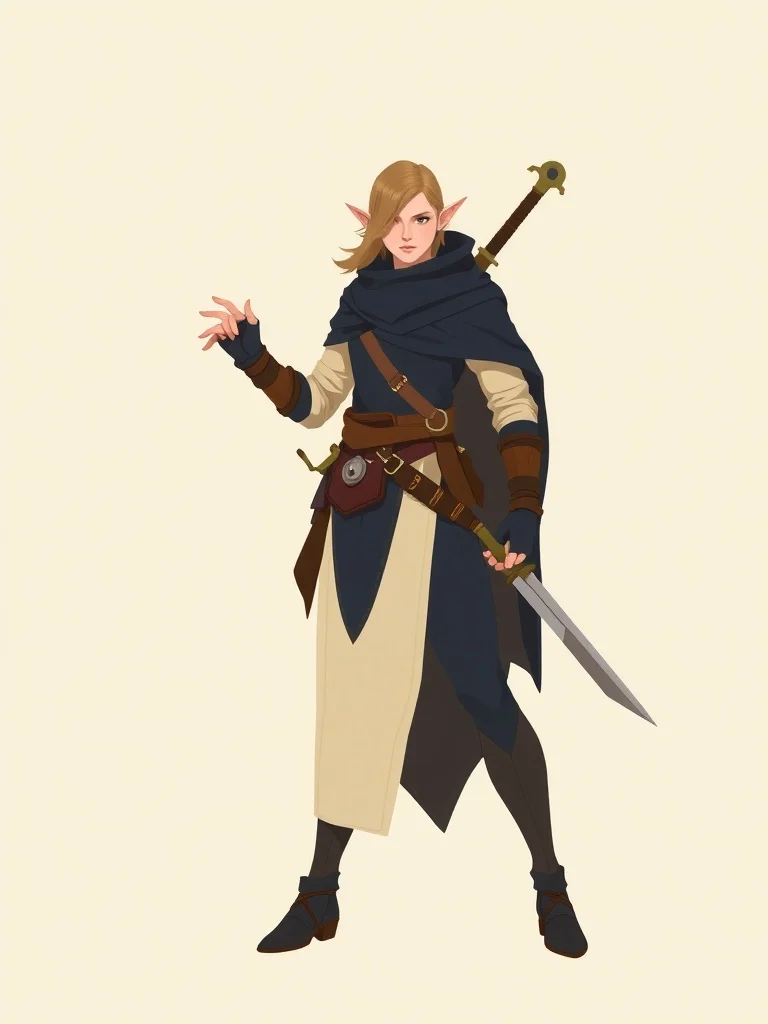
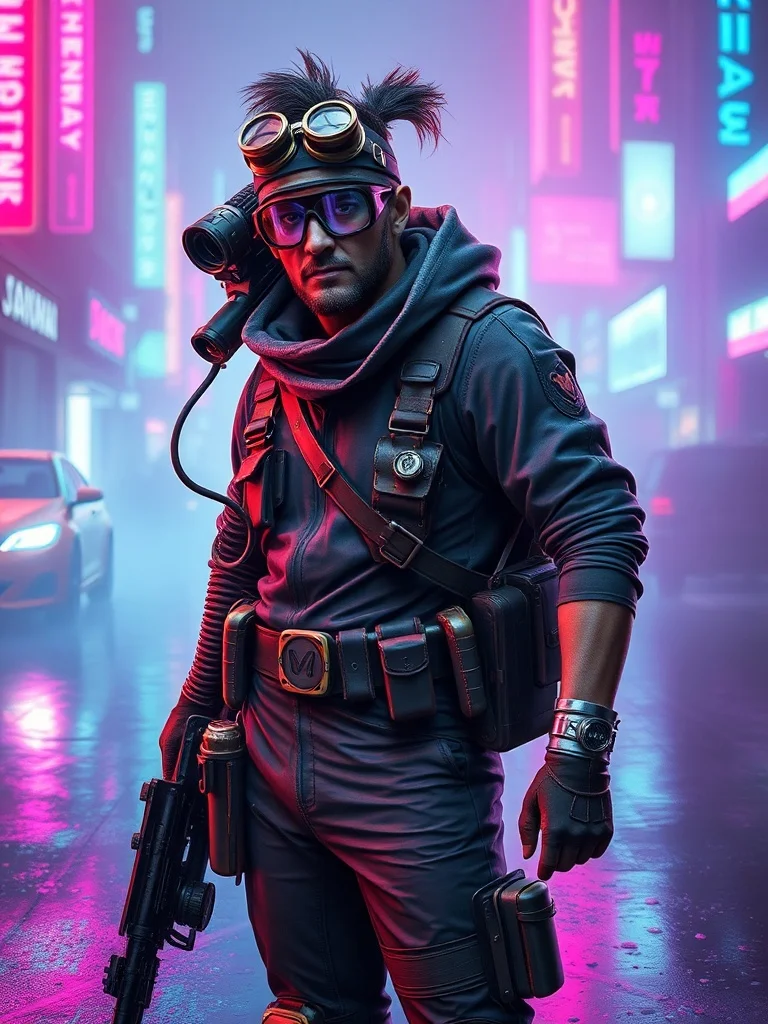
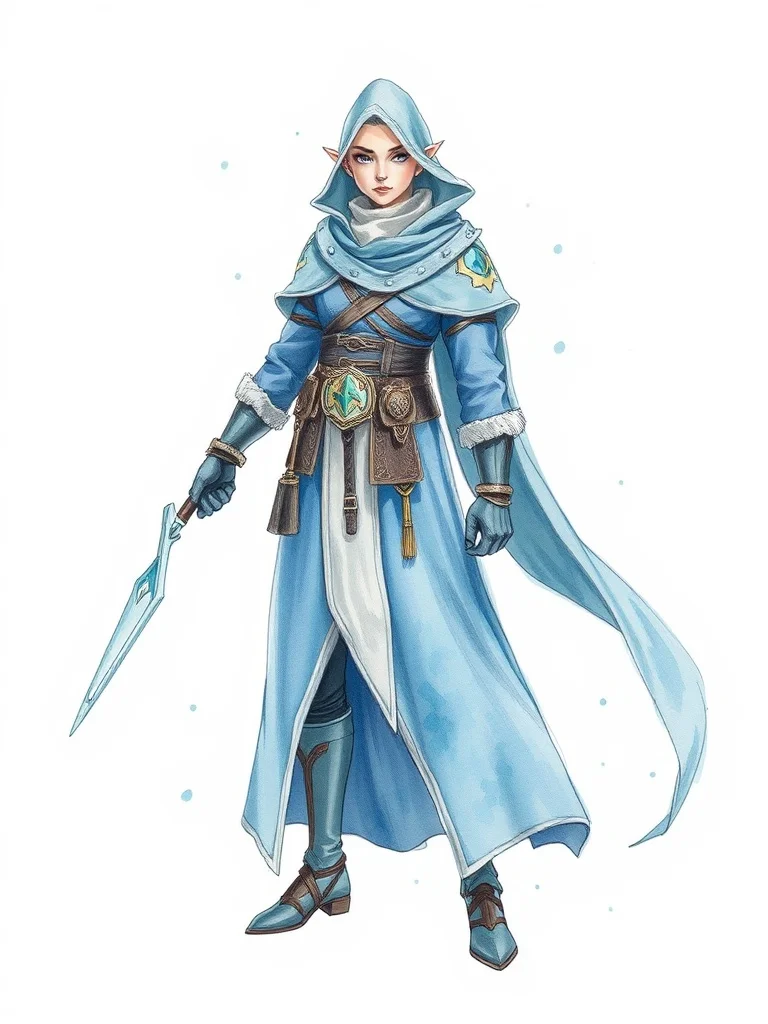
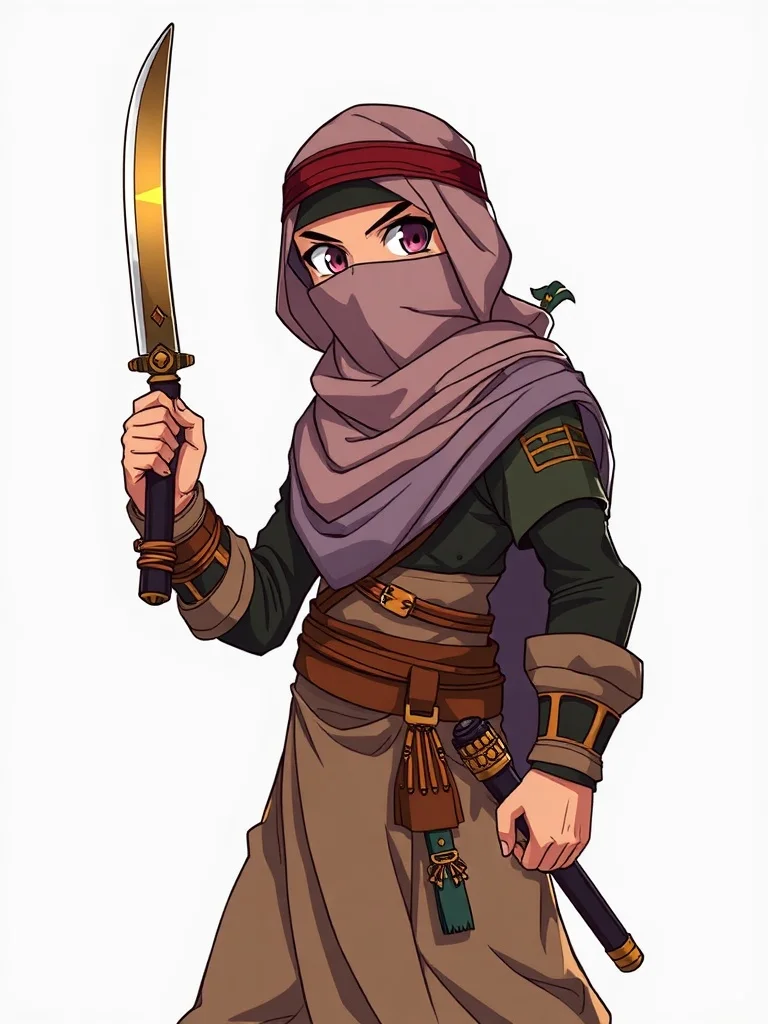
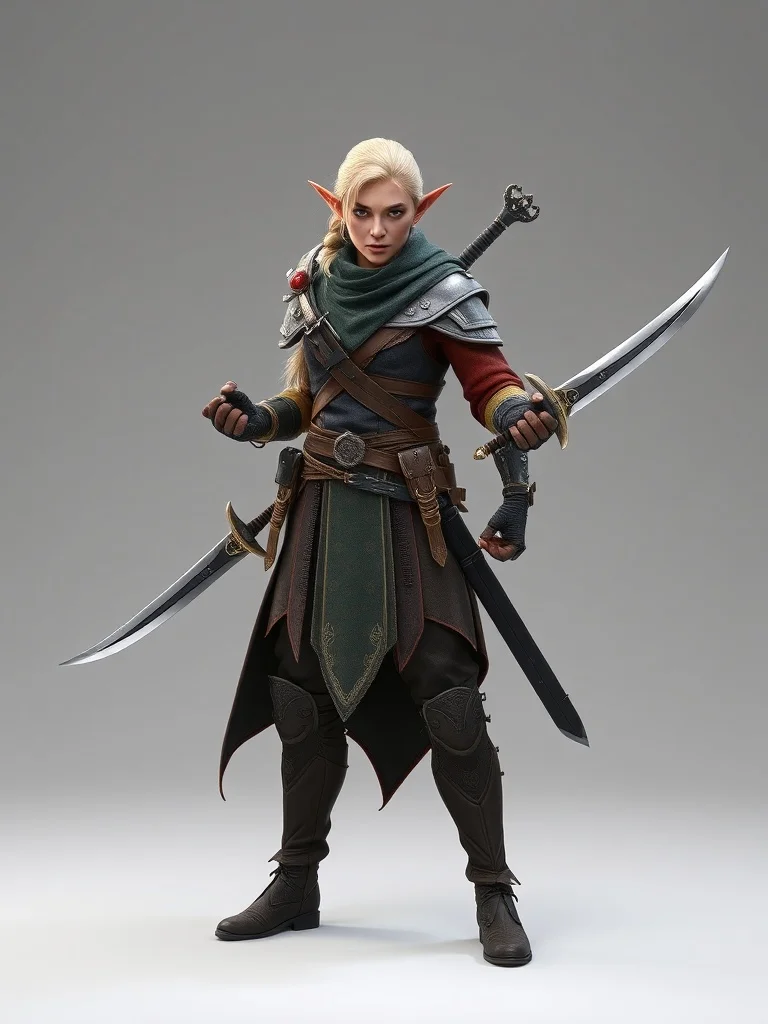
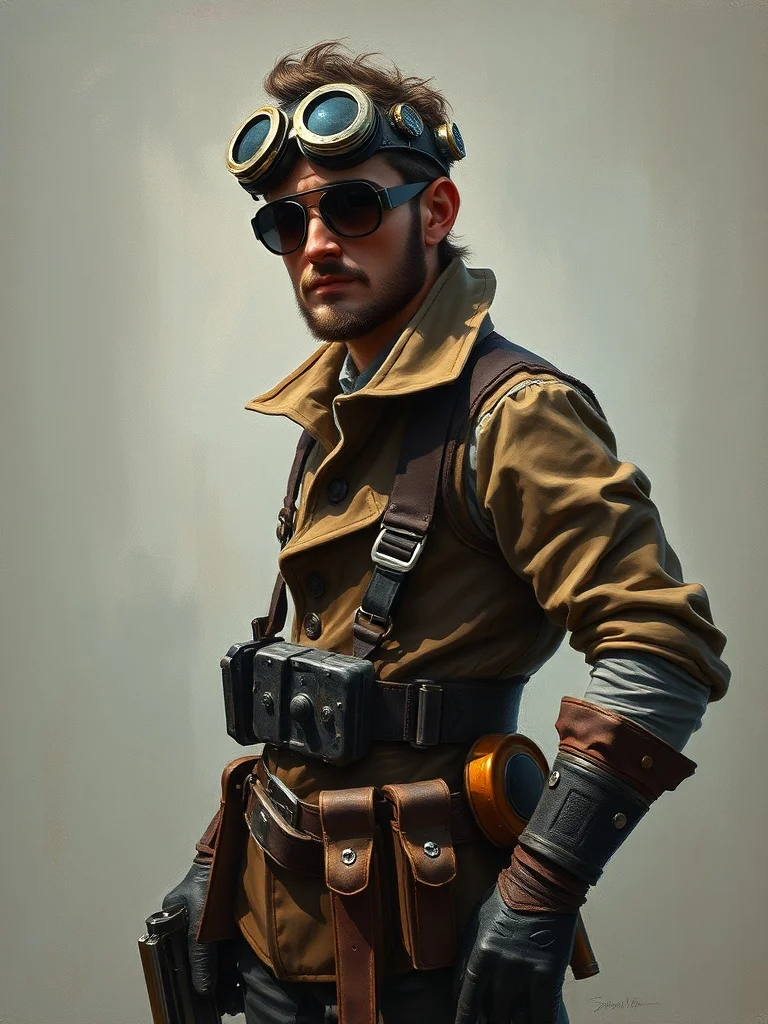
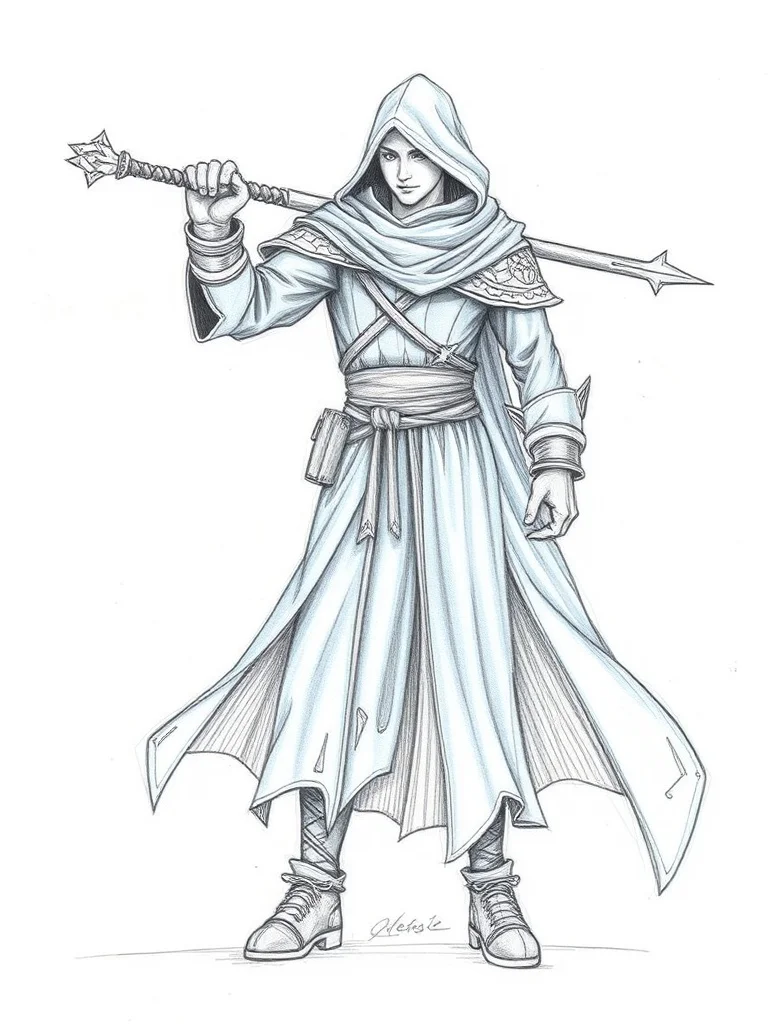
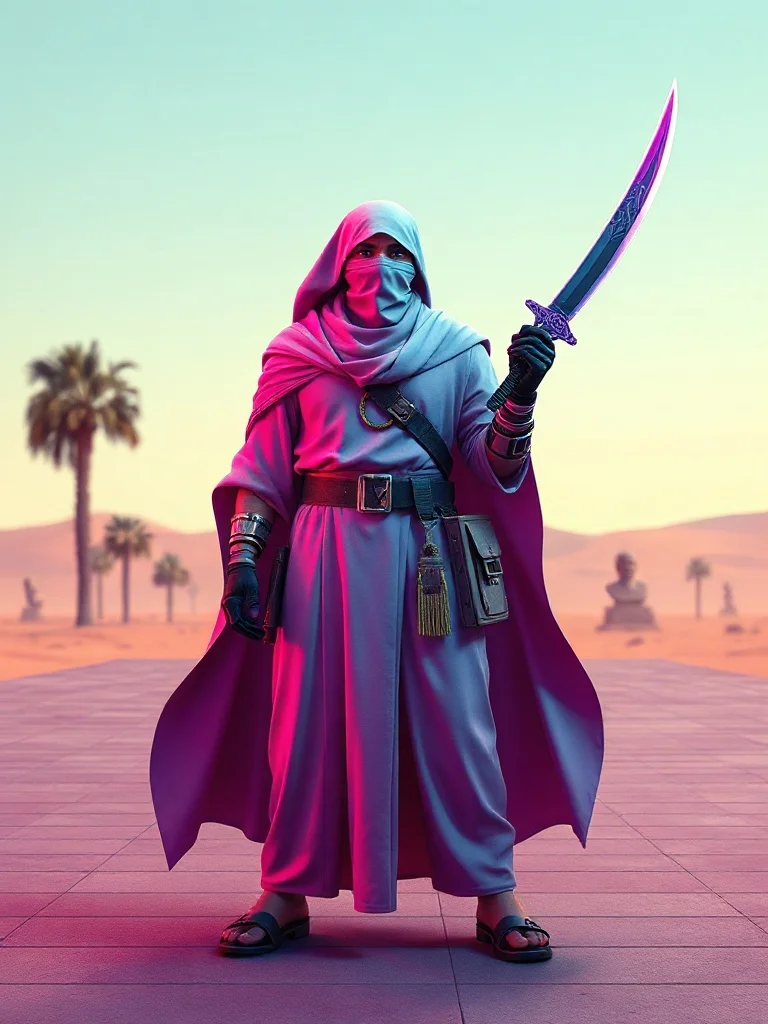
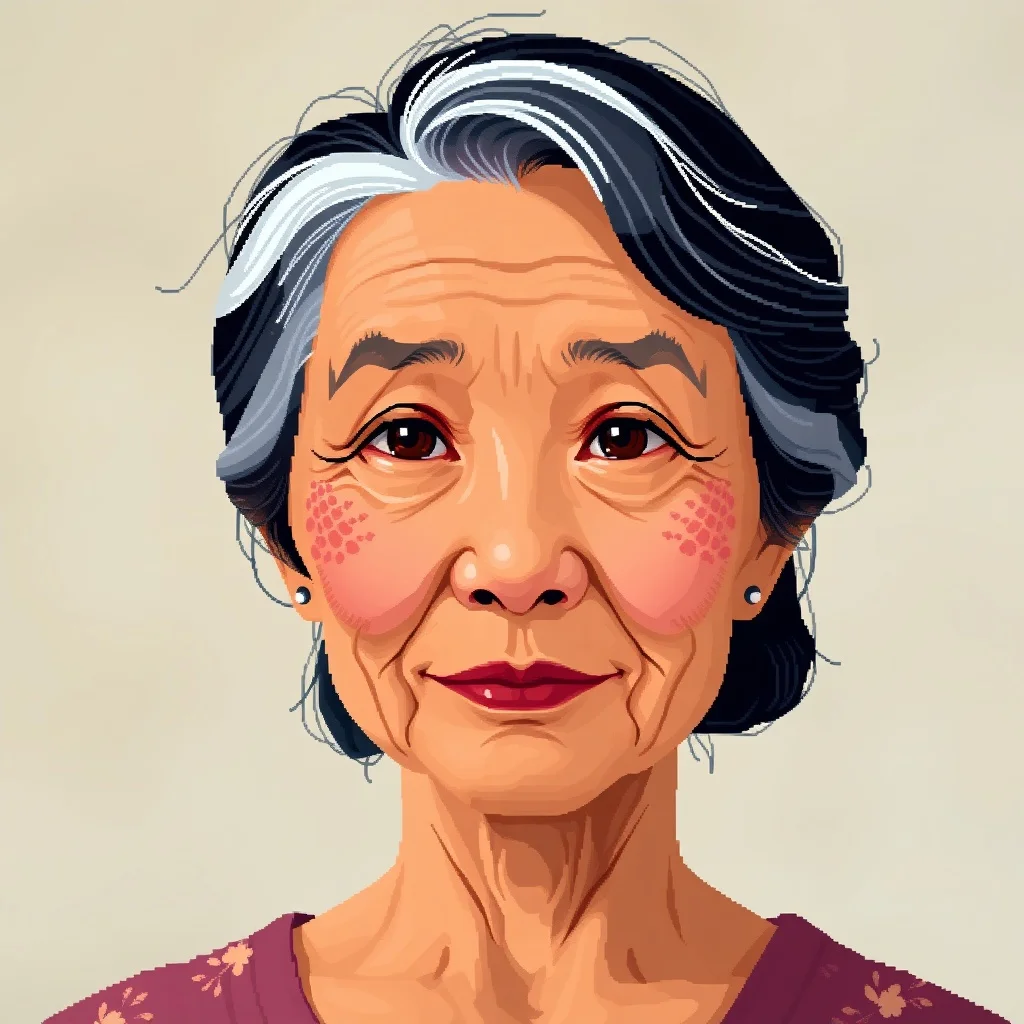
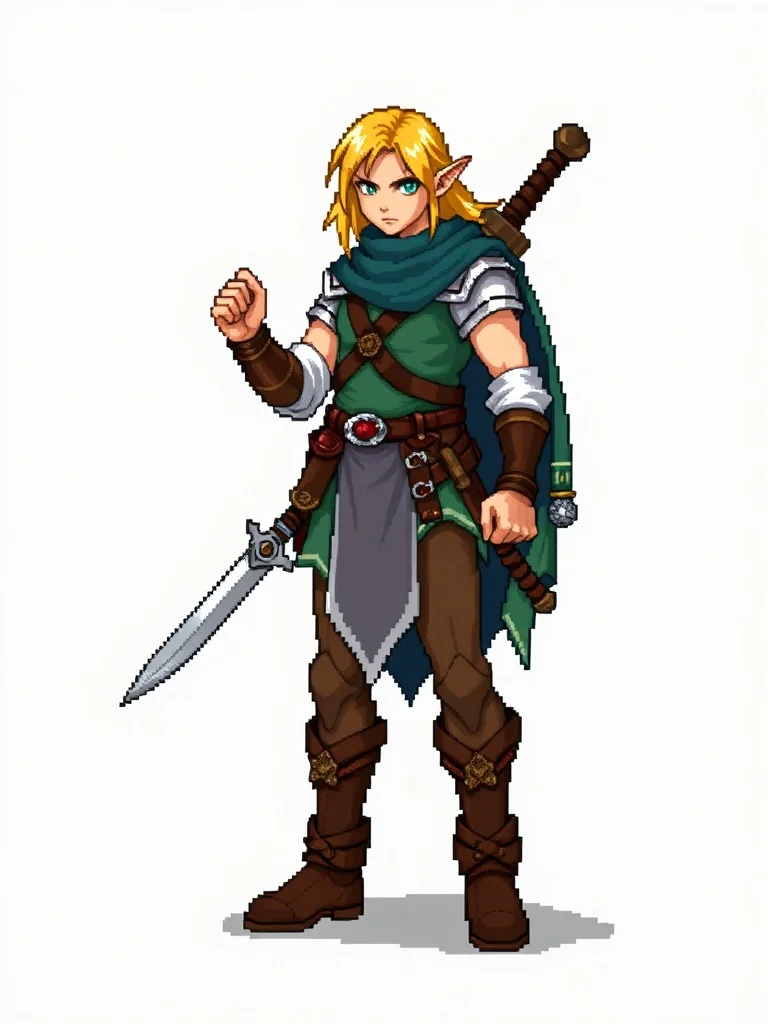
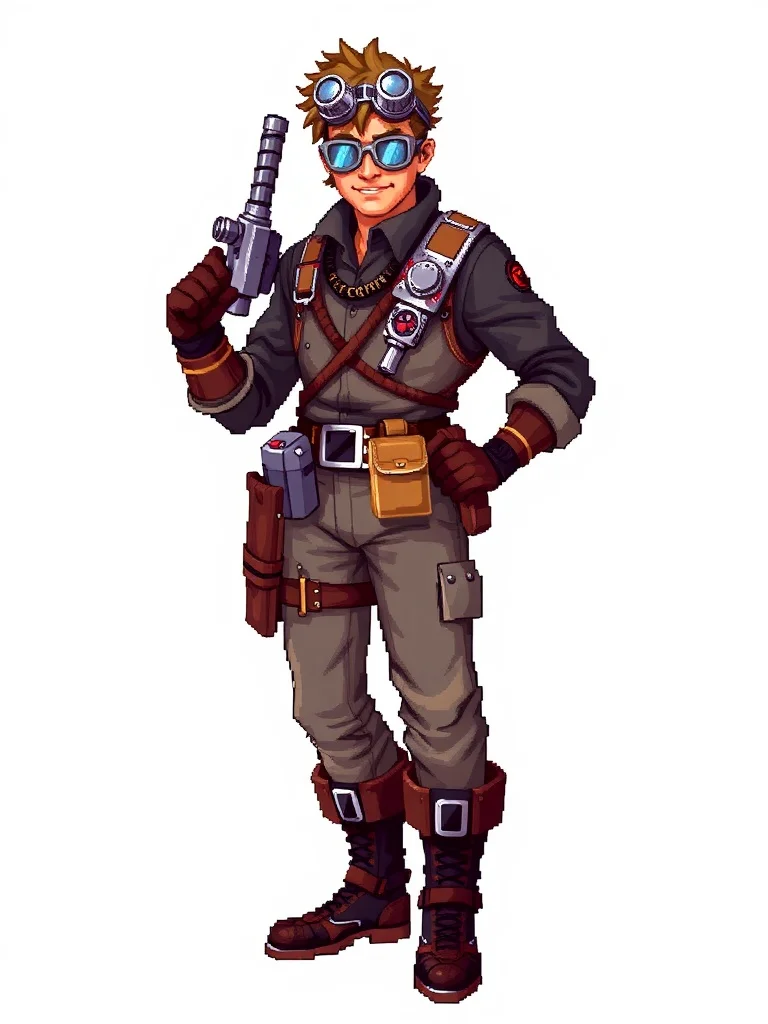
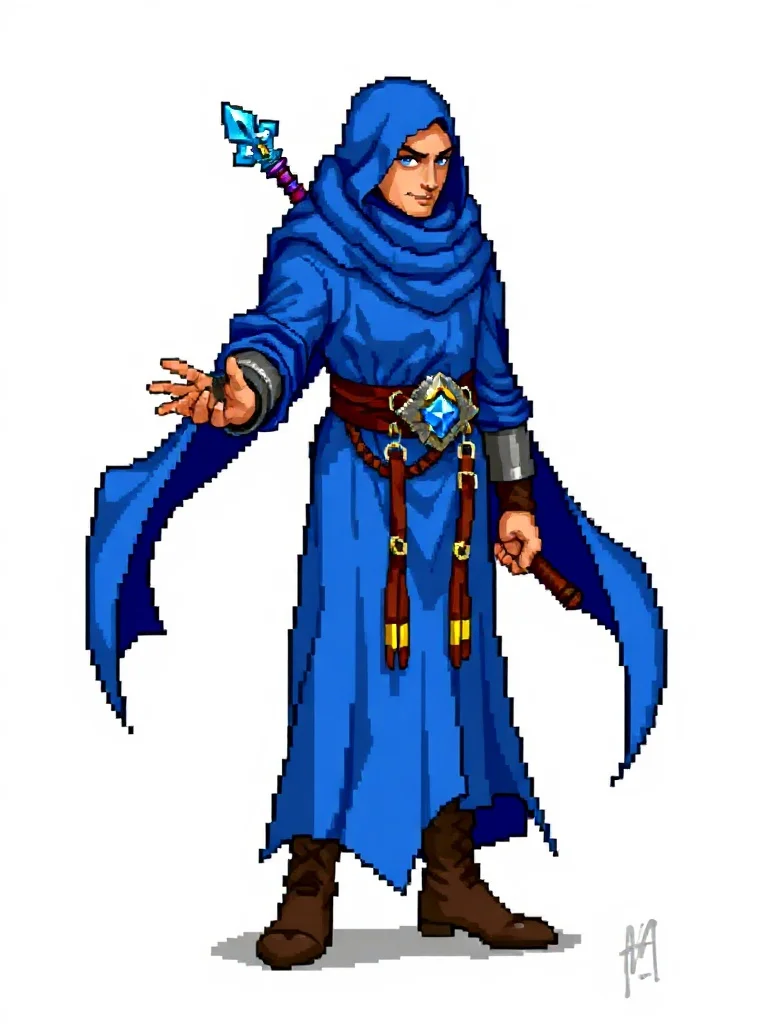
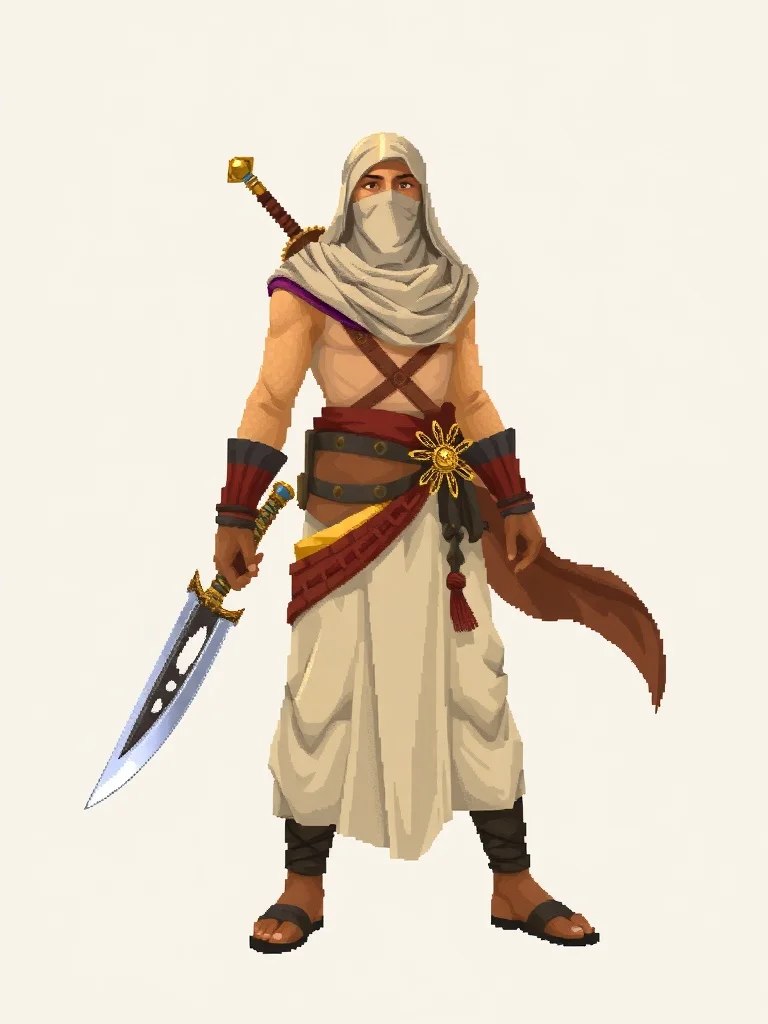
Pixel Art character examples
Generated with the same model and style. Click any to open the generator with that prompt loaded.
How to generate a pixel art character
- 1 Write your prompt
Describe what you want. Be specific. Example: "a half-elf ranger with twin daggers". The more concrete the description, the better the result.
- 2 Confirm the pixel art style
The style is already applied. You don't need to mention "pixel art" in your prompt unless you want to emphasize a specific aspect of it.
- 3 Generate
Click Generate. You'll get a character back in a few seconds. Each click costs 1 credit on the default model.
- 4 Iterate
Not quite right? Tweak the prompt and run it again. Even small changes (one new adjective, one different noun) can shift the output significantly.
Tips for better prompts
- · Describe the subject first, then the context. "A blue mug on oak wood" works better than "blue mug".
- · The pixel art style is already mixed into your prompt. You don't need to repeat "pixel art" in your text.
- · If the result is too busy, ask for "simple composition" or "centered subject". If it's too plain, add specific details.
- · For character, mention size, material, or mood. Models pick up nouns faster than adjectives.
- · Stuck? Try one of the example prompts from the gallery as a starting point.
Frequently asked questions
Can I use the Pixel Art character commercially?
Yes. Every image you generate on renza is yours to use for any purpose, including commercial projects, client work, merchandise, print-on-demand, and resale. You hold the rights to the output. We don't watermark, claim ownership, or restrict usage. The only caveat: don't generate content that depicts real, identifiable people without permission, and respect trademarks. Beyond that, the character is yours.
How long does each character take to generate?
Around 2 to 4 seconds per image on the default model (Flux Schnell, the fast one). If you switch to a heavier model like Flux Dev or GPT Image, expect 8 to 25 seconds. Generation runs on optimized GPU infrastructure, so even peak traffic doesn't slow things down much. You see the image as soon as it's ready, no queue.
Why does my character look different from the gallery examples?
Image models are non-deterministic. The same prompt run twice will produce two different images. The gallery shows curated outputs from prompts tuned by us. To match that quality, be specific: describe materials, lighting, mood, and composition. If a generation isn't right, tweak one detail and run it again. Most users land on something they like within 3 to 5 tries.
What if pixel art isn't the right style for my character?
You have 24 other styles available, each tuned for a different aesthetic. Pop over to the Character generator hub and pick another, or check the "More generators in Pixel Art style" section below if you like pixel art but want a different category. You can also write your own modifiers in the prompt to nudge the result toward variants of pixel art, like "pixel art but warmer" or "pixel art with neon accents".
What resolution will my character be?
Outputs are 1024×1024 for square aspect ratios and 1024×576 (or vice versa) for 16:9 and 9:16. That's enough for web, social media, print at small sizes, and most professional uses. For larger prints, you can upscale the result with any free tool (we'll add a built-in upscaler soon).
Do I need to credit renza when I use the character?
No, attribution is not required. But if you found renza useful, mentioning us in a tweet or sharing the link helps us a lot. We're a small operation and word of mouth is our main growth channel.