Gothic AI Generator
Dark and ornate.
Pick a category below to apply the gothic style to your generation. Same model, same prompt, different aesthetic.
Gothic generators
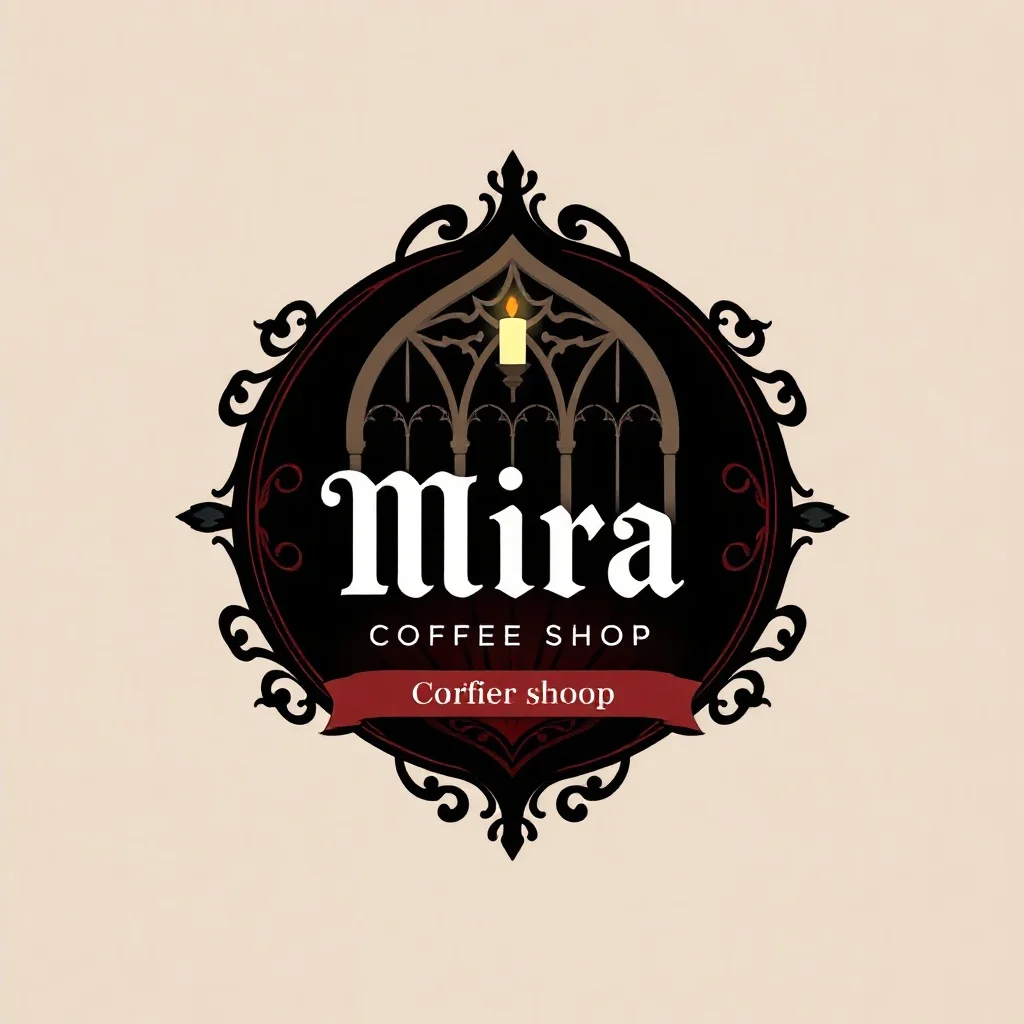
Gothic Logo
Make a logo for your brand
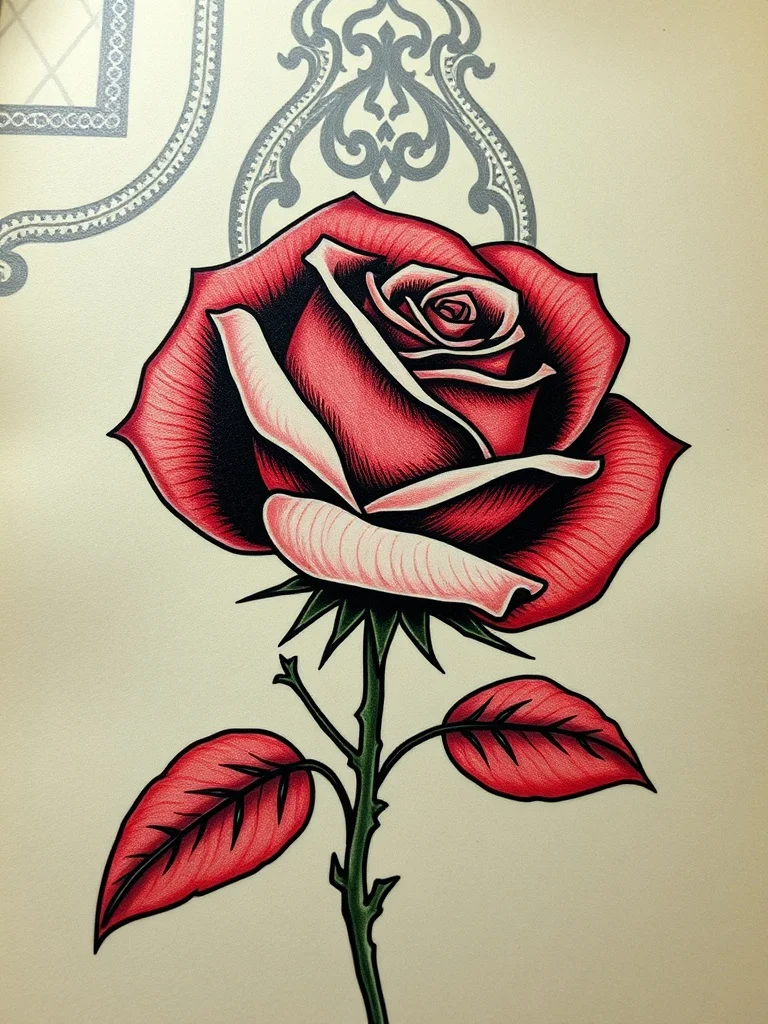
Gothic Tattoo
Design a tattoo before you ink it
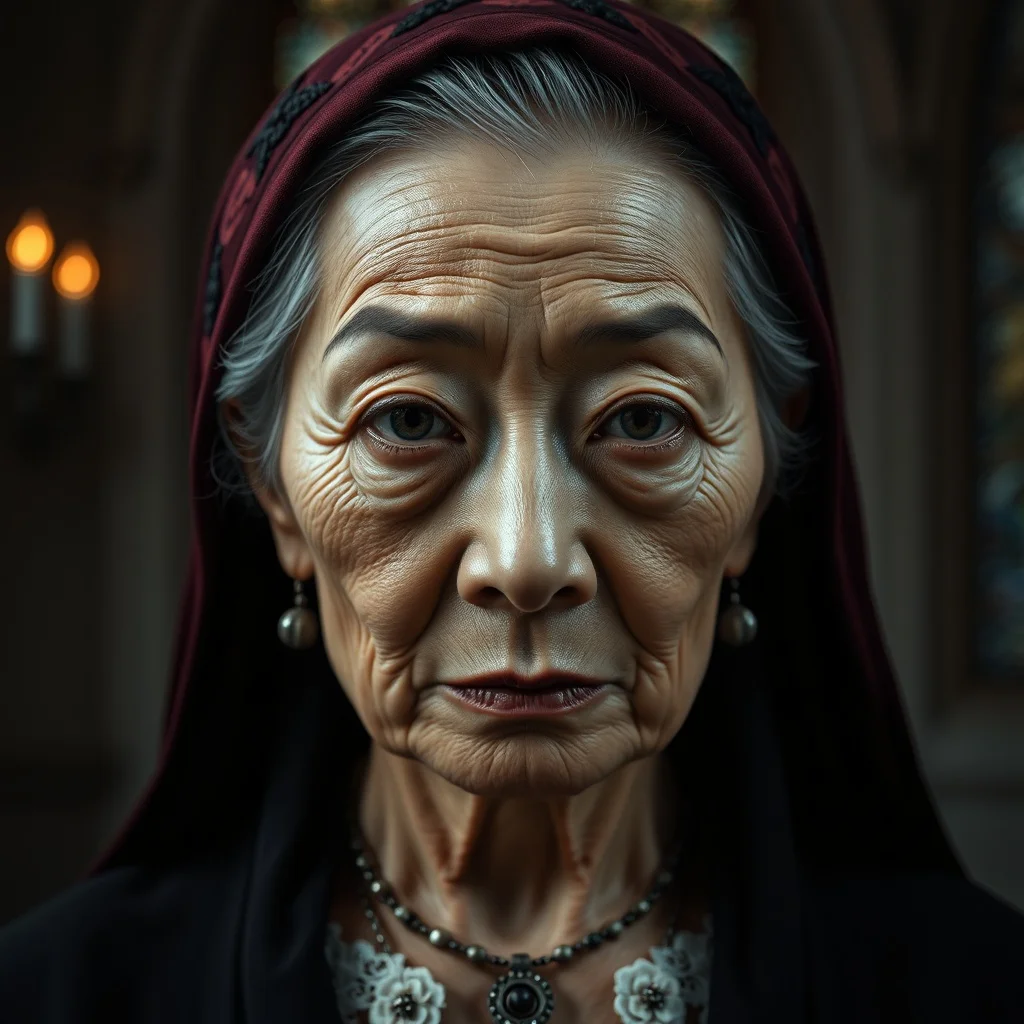
Gothic Avatar
Profile pictures and avatars
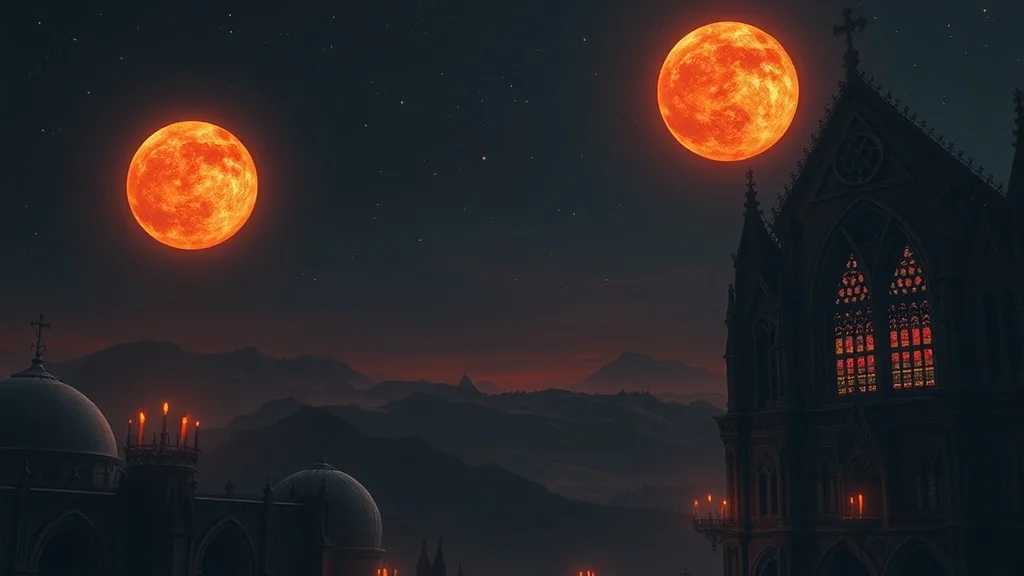
Gothic Wallpaper
Wallpapers for desktop and phone
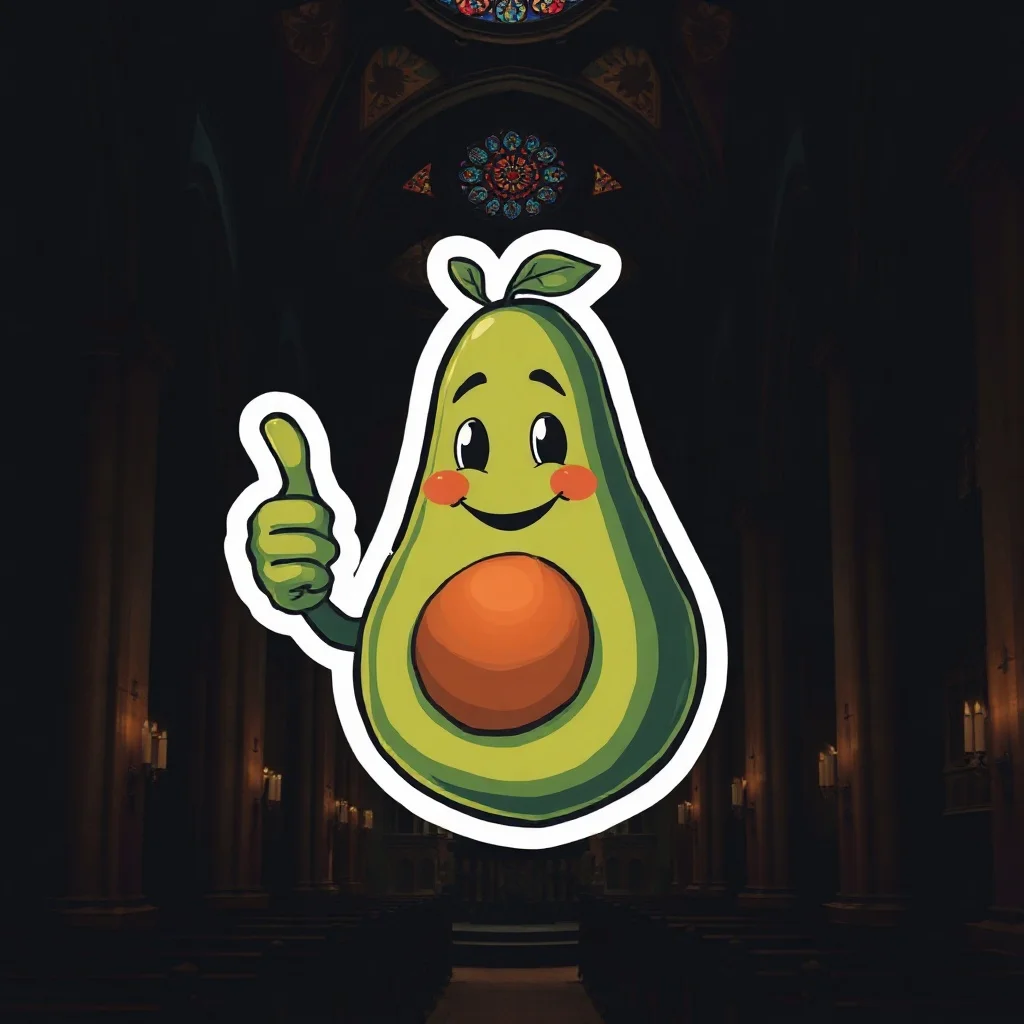
Gothic Sticker
Custom stickers for chat apps and print

Gothic YouTube Thumbnail
Thumbnails that get clicks
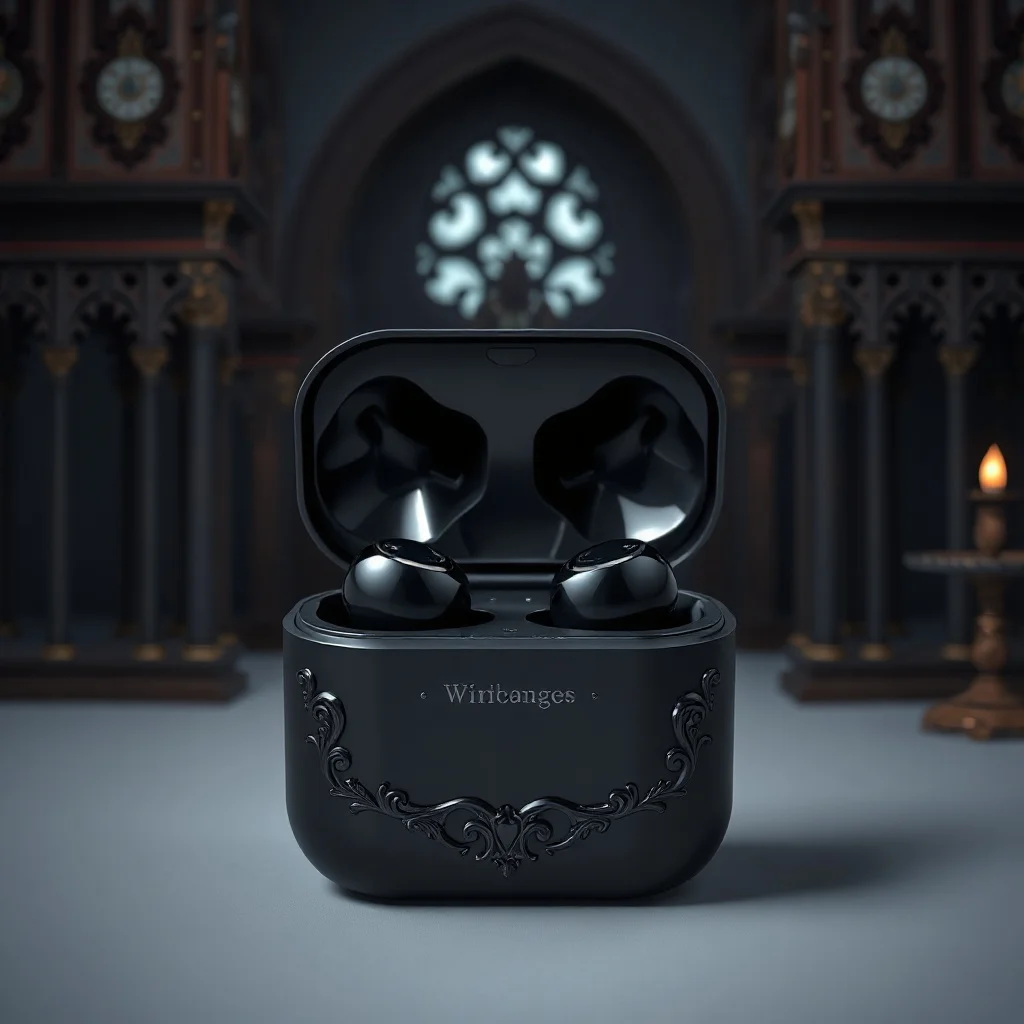
Gothic Product Photo
Studio shots without the studio
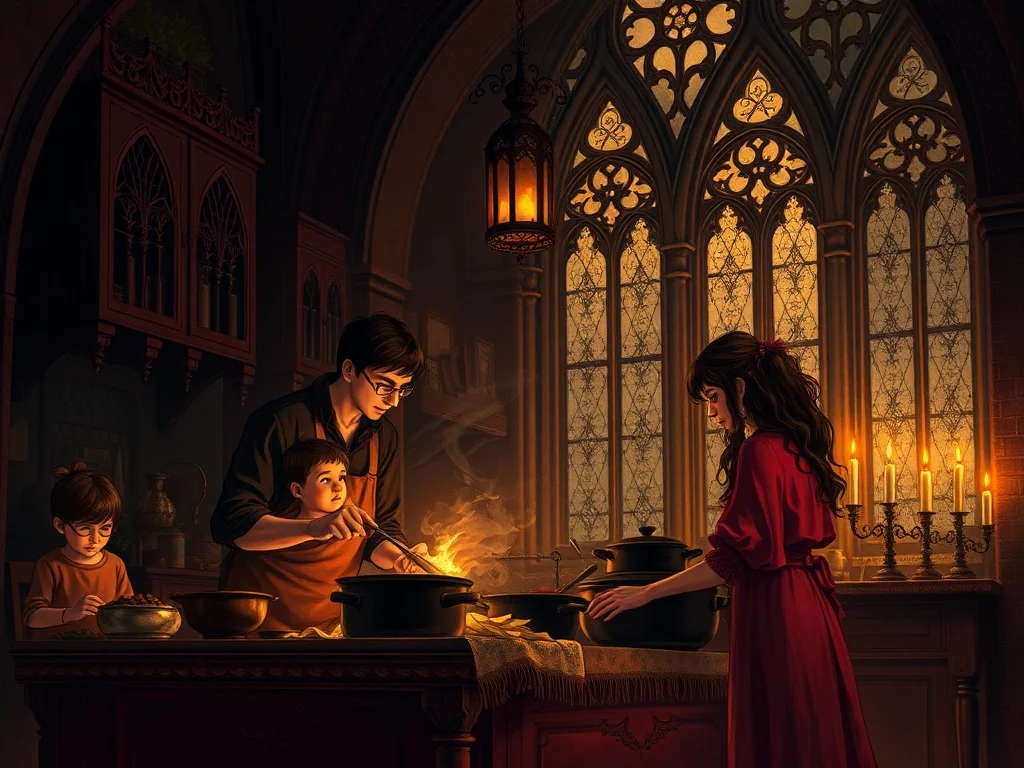
Gothic Illustration
Illustrations for blogs, apps, books
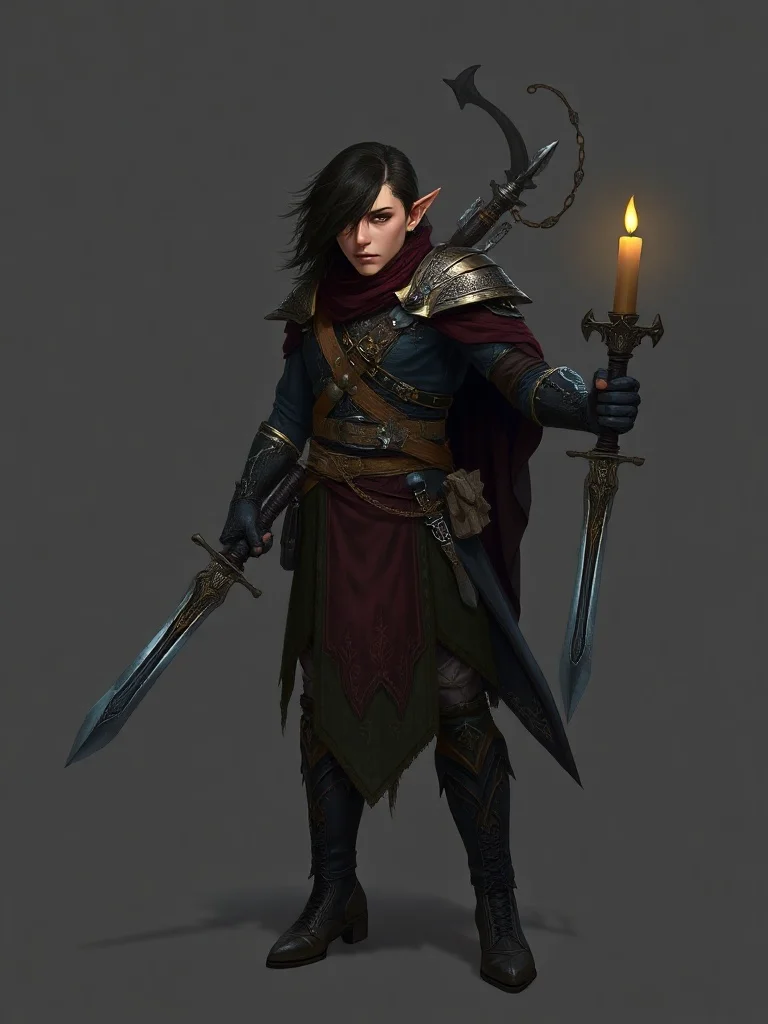
Gothic Character
Original characters for games and stories
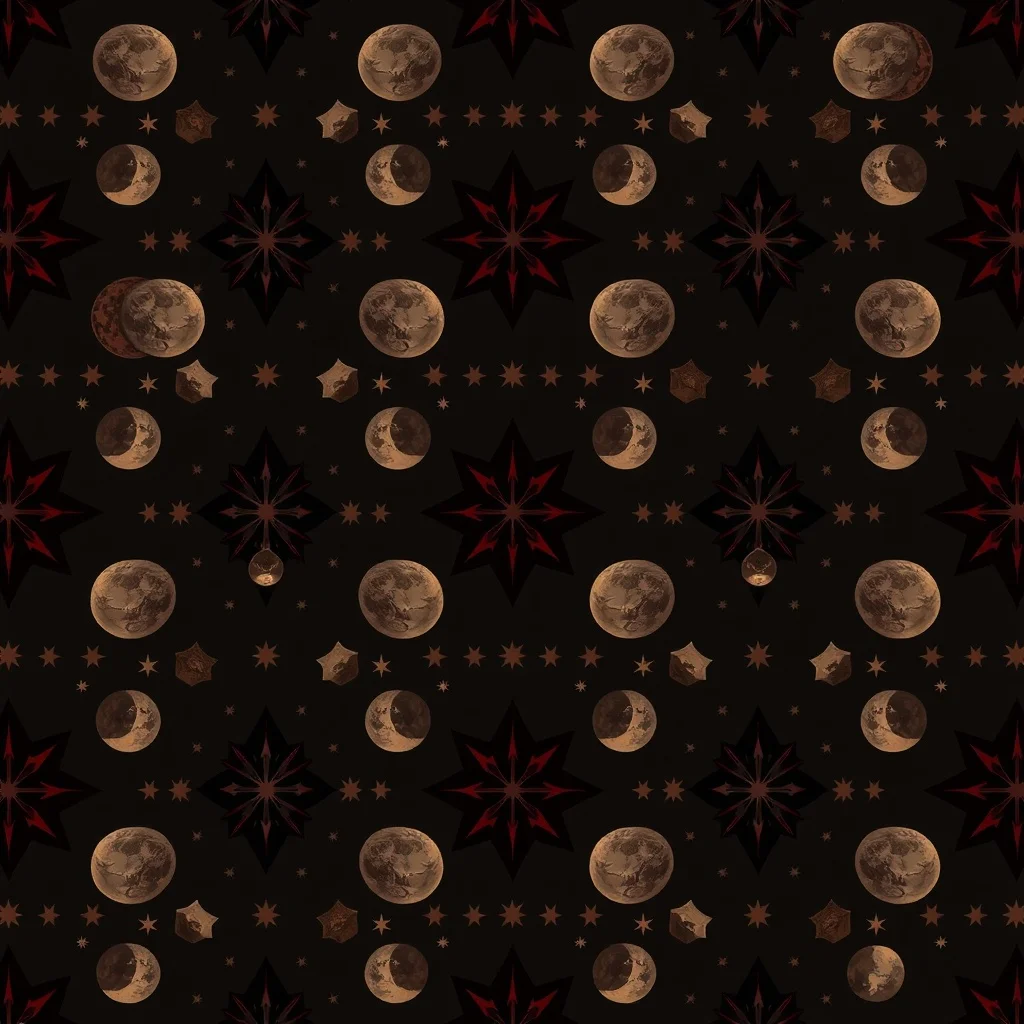
Gothic Pattern
Seamless patterns for fabric and print
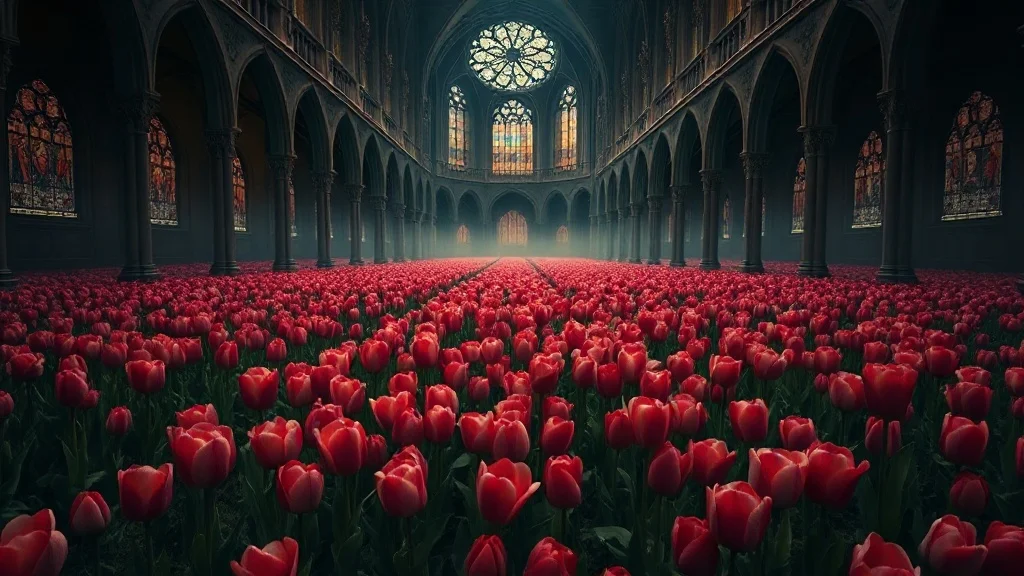
Gothic Landscape
Landscapes and environments
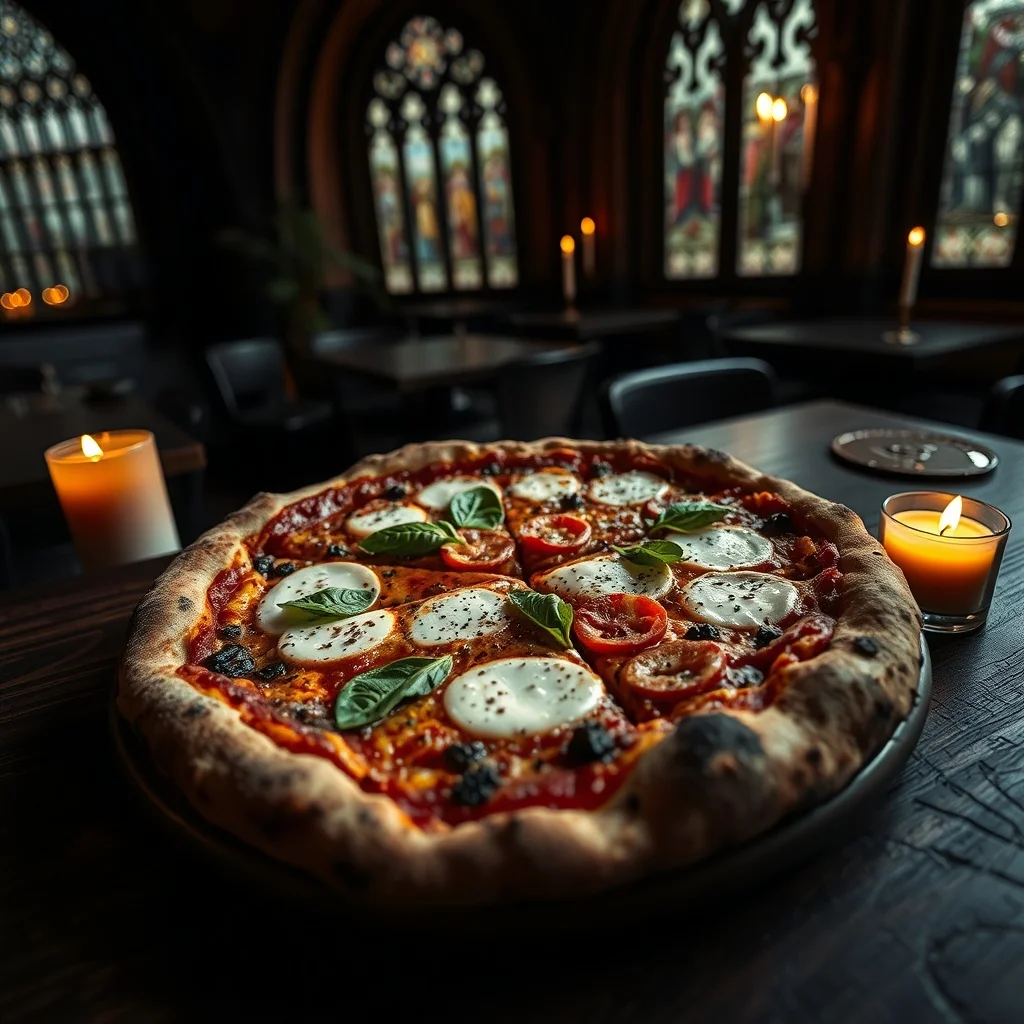
Gothic Food Photo
Food photography on demand
About the gothic style
We apply gothic as a layer on top of your prompt. The subject you describe stays the same. The lighting, color, and composition change to match the style.
Use gothic when you want a recognizable aesthetic without spending time tuning a prompt yourself. The full style description: gothic style. dark moody atmosphere, ornate victorian decorative details, deep burgundy and obsidian black palette, candlelight glow, cathedral arches and stained glass, melancholic mood.
FAQ
What defines gothic as a style?
Dark and ornate. When you pick gothic, we apply specific color, lighting, and composition cues to your prompt so the output reads as gothic.
Can I combine gothic with my own prompt?
Yes. Write whatever you want in the prompt. The gothic style modifies how the image looks, not what's in it.
Which categories work best with gothic?
It depends on the look you want. Browse the cards below to see gothic applied to each category.
Can I switch styles after generating?
Yes. Pick a different style from the home page and run the same prompt again.